Know when a property has changed, before it becomes a claim
Gryd matches your locations to official permit records from 2,500+ jurisdictions, so you can see what has been built, replaced or changed, and who did the work.
Talk to Gryd sales
Tell us your lines and volume and we will schedule a walkthrough.
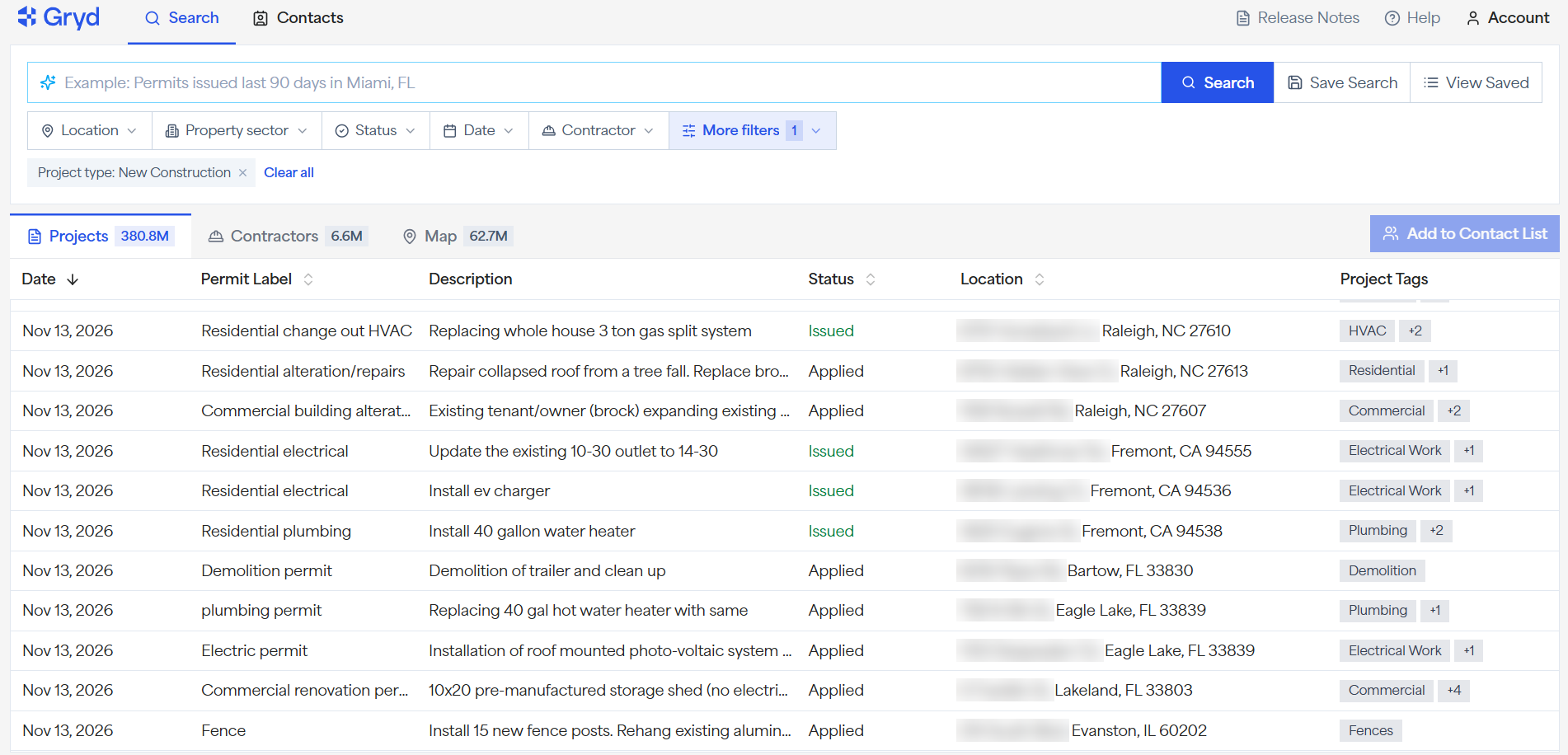
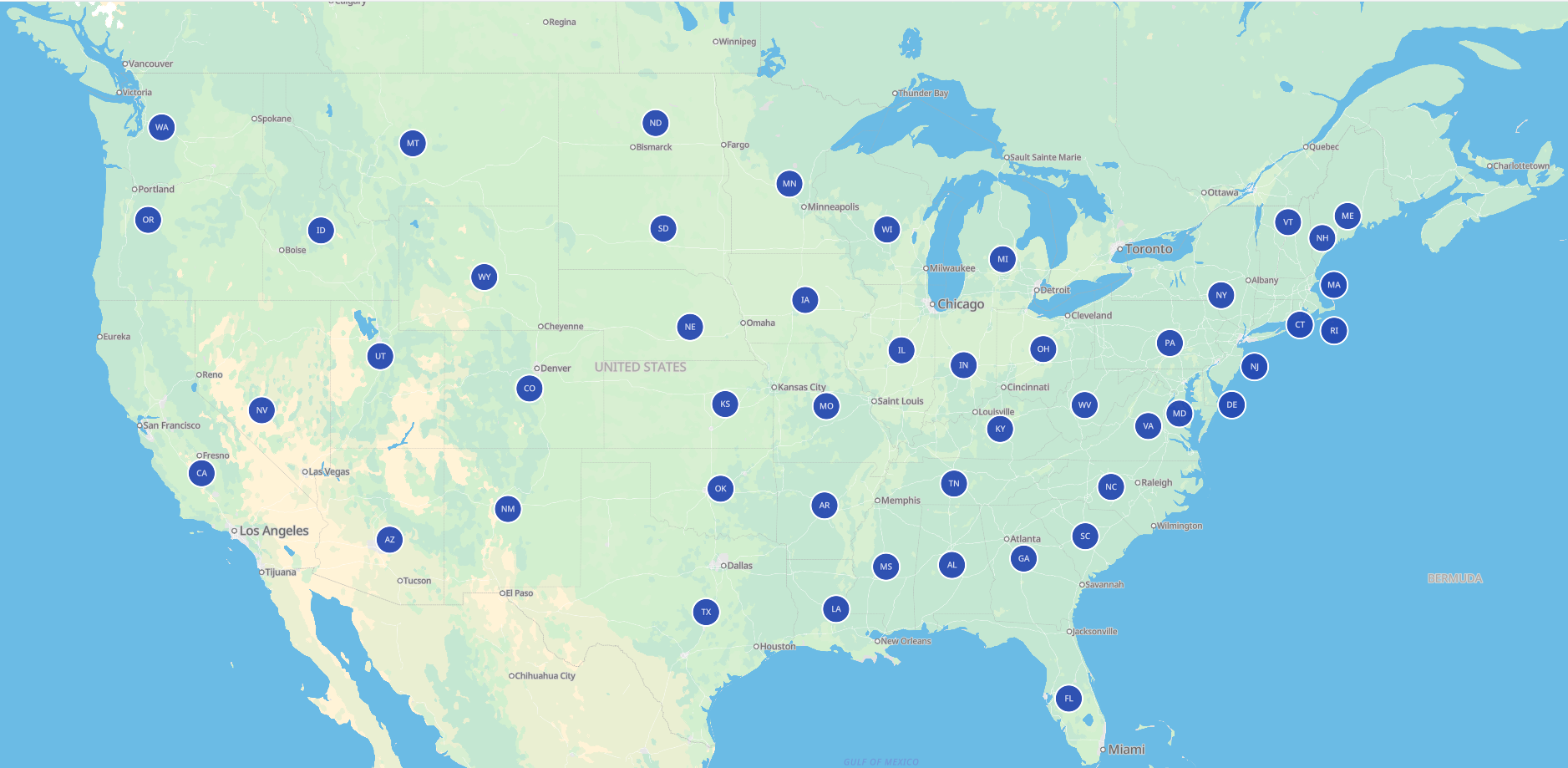
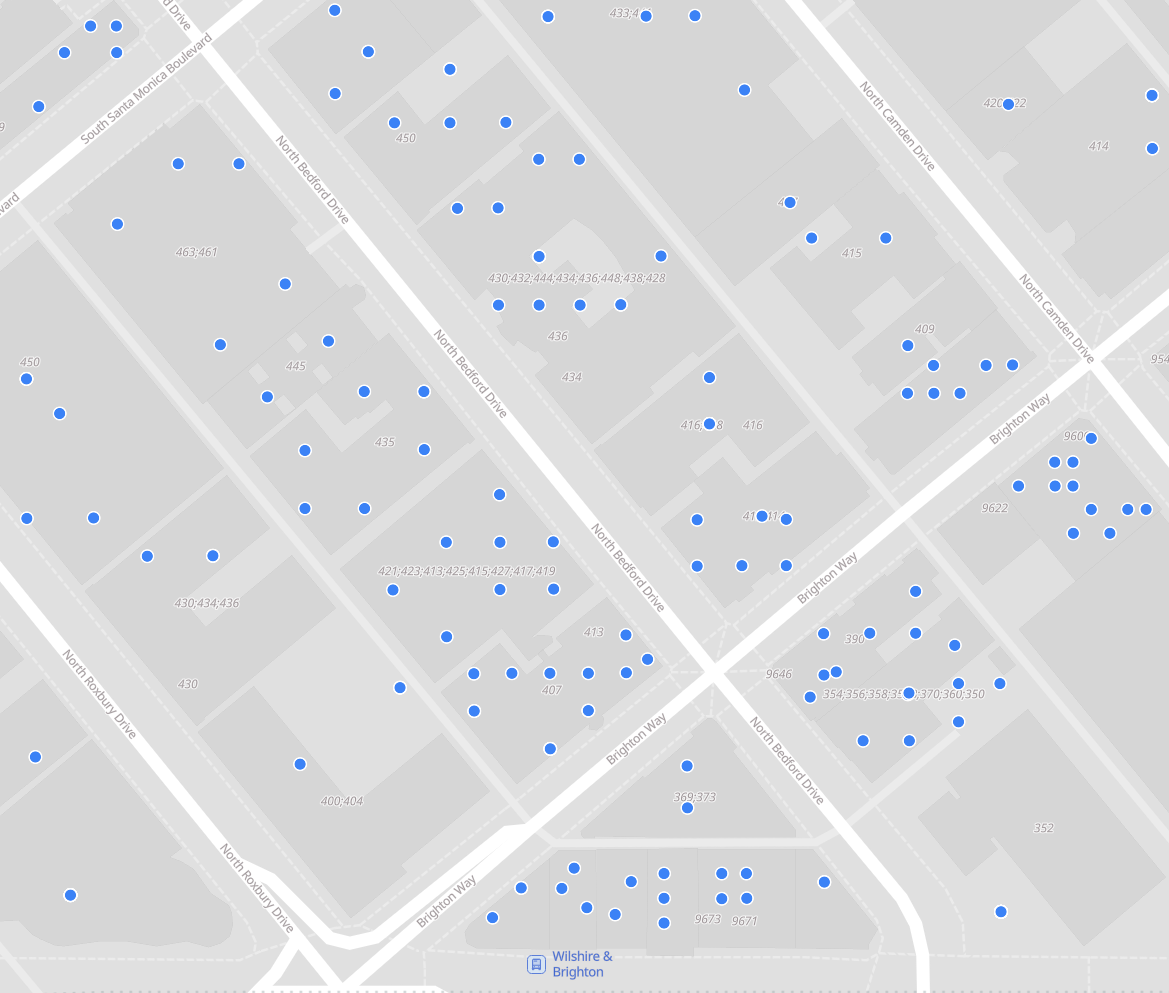
Permit coverage you can see
Search across 2,500+ jurisdictions nationwide, then zoom in to the permits on a single block.

How teams in Insurance use permit data
Permit records can show work that is not reflected in your policy or property records.
Underwriting and quoting
Check declared construction details, renovations and system replacements against permit history before you quote or renew.
Portfolio monitoring
Surface tenant build-outs, additions and other major work across a book of locations, mid-term and at renewal.
Portfolio enrichment
Fill gaps in your statement of values with permit data via API or bulk file.
Sales and marketing
Find homeowners doing renovations or with aging roofs who may need updated coverage or be open to switching carriers.
Contractor verification
Verify license status, permit volume and project types for contractors you insure, for general liability and builders risk, or hire for repairs.
Modeling and analysis
Add permit-based variables such as roof age and system age to your pricing and risk models.
Property report
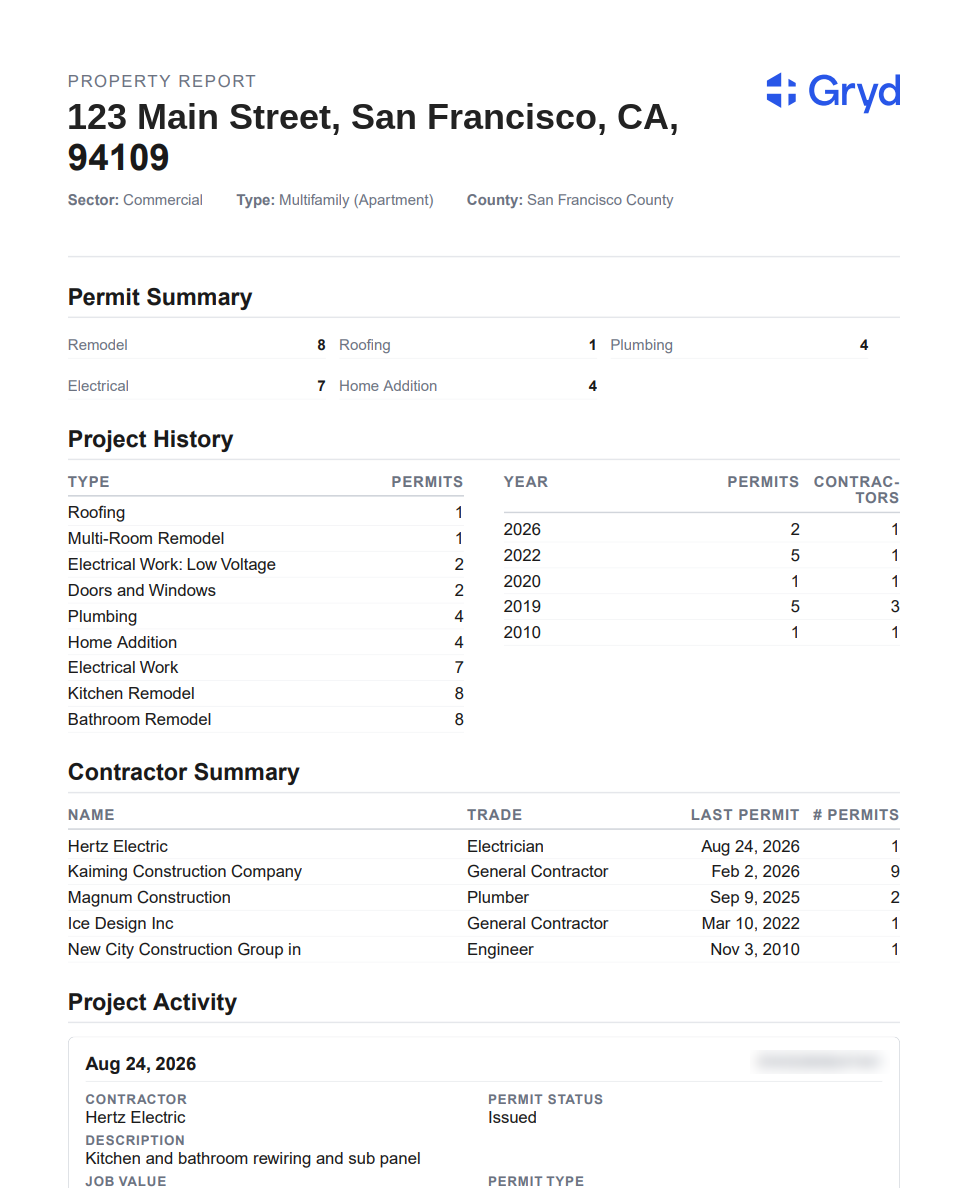
Every permit on a property, in one report
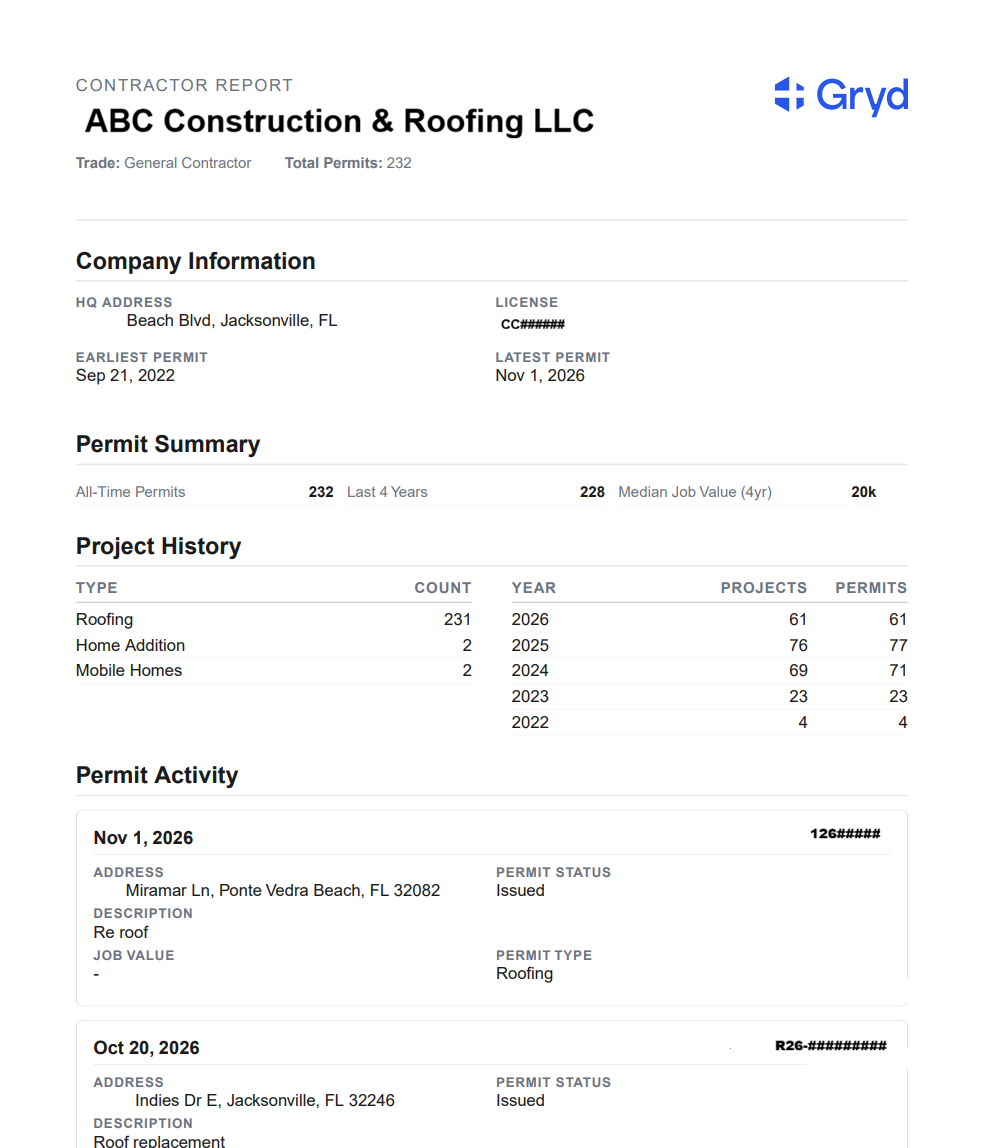
Search an address to see its permit summary, project history, the contractors involved and a timeline of recent work.
Contractor verification
See who did the work, and how much of it
Pull a contractor report to see the trade, total permits, project history by year and the latest permits filed. Use it to confirm that a reported roof replacement was done by a contractor with a real permit trail.
See permits tied to a contractor, including project type, location, timing and status.
Use contractor license board data and related context to support verification where available.
See the types of work a contractor is connected to, such as roofing, additions and renovations, and how much of it by year.
See where a contractor is active and how their activity changes over time.
Add contractor activity signals to underwriting, onboarding and risk review.
Review contractor signals without searching many local sources one at a time.
From address to answer in three steps
Explorer for lookups, API for workflows, bulk files for books of business.
Search an address or contractor
Look up a property or contractor in Explorer, or send a list of addresses through the API or a bulk file.
Review the permit history
See prior roof replacements, additions and tenant build-outs, and the contractor behind each one.
Use it in your workflow
Check at quote and renewal, monitor a book of locations, or add permit variables to your models.
Underwriting with and without permit data
Without permit data
With Gryd
Questions from insurance teams
Frequently asked questions and answers on coverage, data and how teams use it.
Contact us to learn moreYes. Teams can use permit, contractor and project activity data to help validate work and add context during claims and fraud investigations. Historical permits can also help document a property's condition before a loss.
Yes. Use our API to access permit and contractor data into underwriting systems, risk and pricing models, or receive bulk data files (gzipped CSV, weekly or monthly) for portfolio analysis and database enrichment.
Yes. Gryd includes contractor license board data and license-related signals where available. Coverage and detail can vary by jurisdiction and source. Permit history adds evidence of documented projects beyond a valid license.
Yes. Commercial tenant improvement and build-out permits are among the project types, along with additions and structural work, roofing, electrical, mechanical and plumbing. Detail varies by jurisdiction, so ask us about coverage for your locations.
Explorer lets you search for projects, properties or contractors. Browse the map and zoom in to an area, enter an address to see a property's permit history, use smart search, or build a filtered list. Filters include location (state, market, city or zip code), property type, project type, project tags, trade and permit status.
Gryd has data from all 50 states across 2,500+ jurisdictions, with 400M+ building permits, 6.5M+ contractors and more than 25 years of permit history. Our data covers 90% of the US population. Coverage varies by jurisdiction.
Gryd receives new data daily, publishing 700K new permits every week in our database. We are also refreshing 1.3M records per week through quality assurance processes. Most data is available in near-real time. Timing depends on when each source agency publishes, so some records arrive later.
Gryd collects data from publicly available government sources, including building departments, municipalities, counties and contractor licensing agencies, then standardizes and enriches it into one national dataset. Permits are linked to the licensed contractor who pulled them.